Case study · 2026
One system for rentals, inspections and per-well invoices
An oilfield equipment rental company needed a separate invoice for each well on a drilling pad and could not trust its inventory counts. I built the Airtable system that connects stock, rentals, returns, inspections and invoices.
The problem
Equipment went out to drilling rigs and came back in parts, tracked in spreadsheets and on a printed tool sheet.
Every month-end billing run was chaos.
The company had doubled in size within a year, and mud motors were billed by operating hours.
The goal
One system of record for assets, rentals, inspections and billing preparation,
built for daily use by operations and accounting.
Inventory control came first. The second aim was to make sure every piece of equipment on a rig was charged for.
The scope
- 01Inventory for serialized units and bulk stock, each with its own logic
- 02Rig deployments with partial returns, extensions and substitutions mid-job
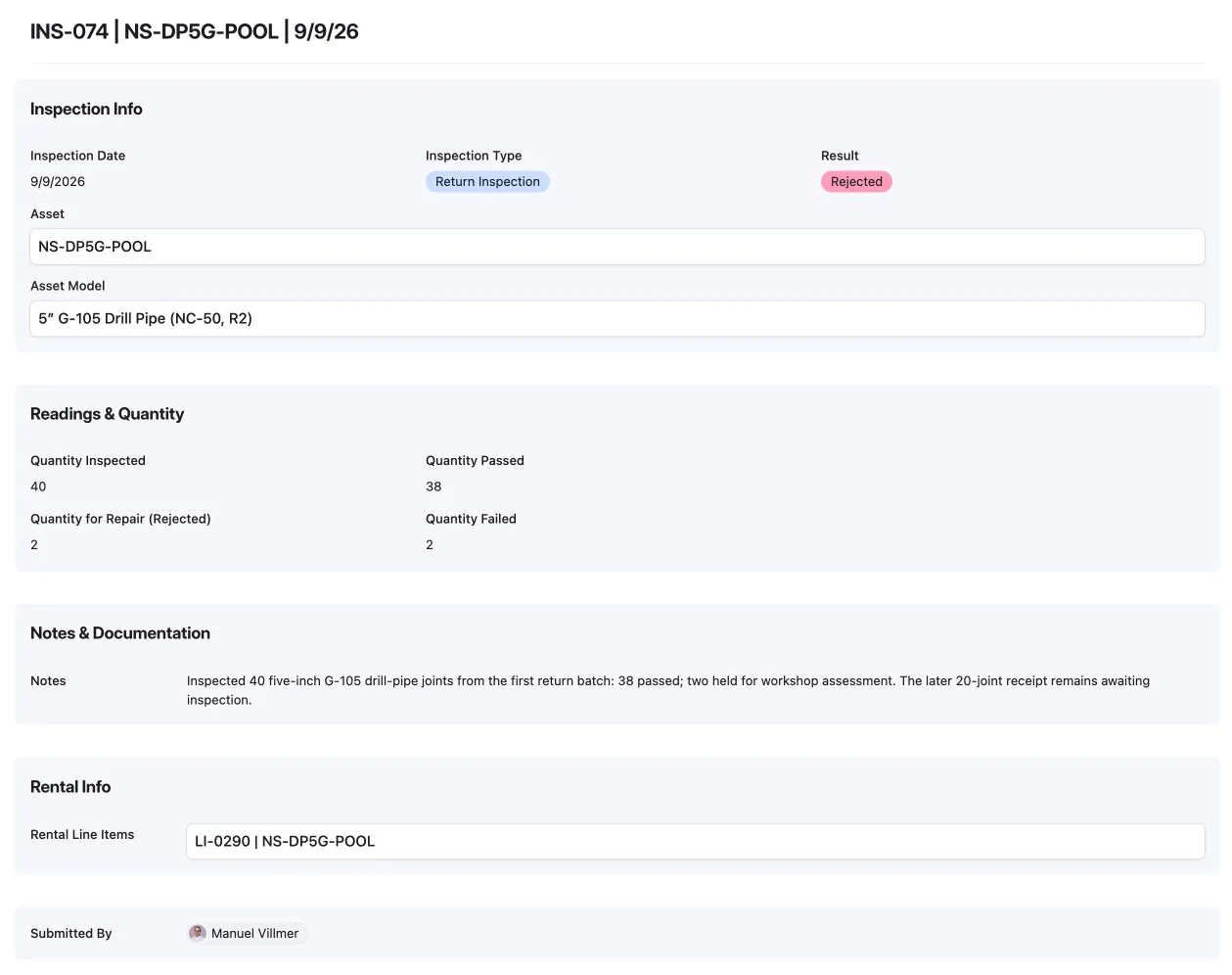
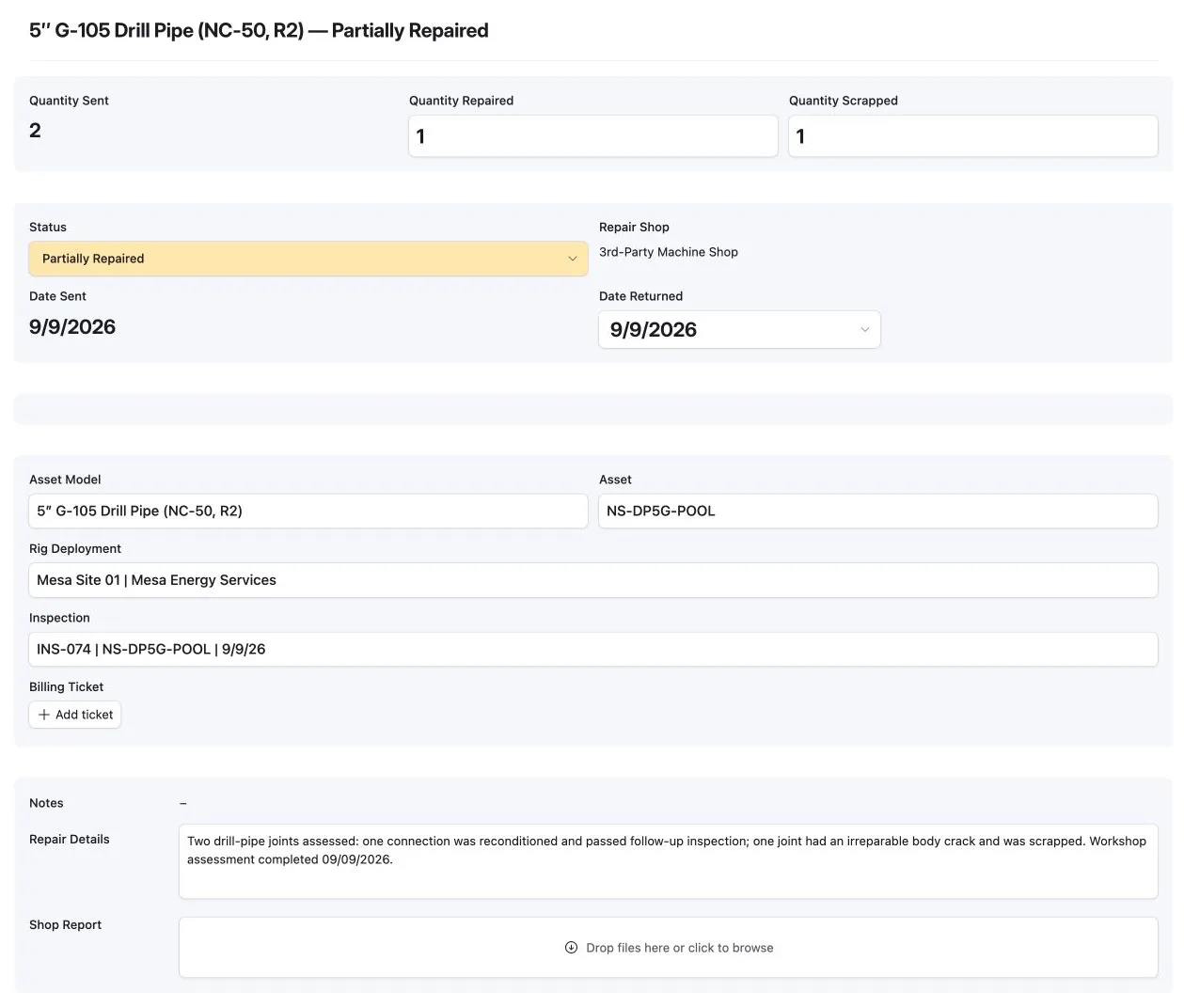
- 03Inspections triggered by return, by time and by operating hours, with a repair process
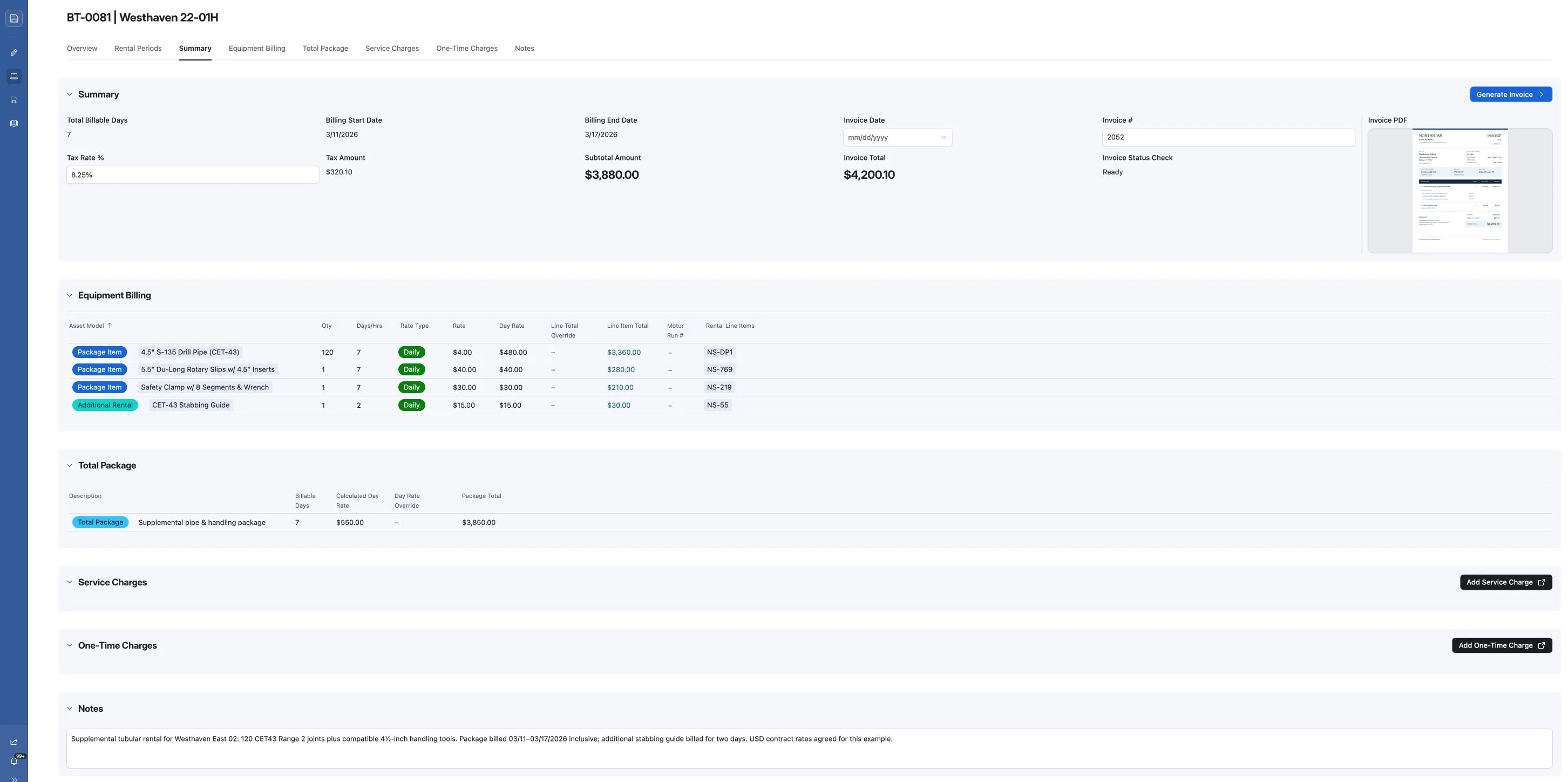
- 04Billing tickets and invoices for rentals, motors, repairs and lost equipment
- 05A custom interface extension for entering new assets
- 06Automations that keep the location of each serialized unit current, including the repair shop it was sent to
Key decisions
- 01Rates are copied onto each line when it is created, so a later price change never alters past billing.
- 02Invoiced lines are locked. Changes become new lines, so the audit trail stays complete.
- 03Returned equipment waits for inspection and only becomes available again once it passes.
- 04Rental invoices carry one well each; repair and lost-equipment invoices list every well of the rig.
- 05A warning flags overlapping rental dates before anything is invoiced.
“Manuel did an incredible job for us. He is truly an Airtable expert. He is great to work with and someone we would definitely hire again.”
Michael Simpson · CFO, CHP Energy Services
Delivery and handover
At handover, the team got written guides to how the system works and how the data connects,
plus how-tos for bulk items, inspections, repairs and lost equipment.